Dave’s Hot Chicken Delivery vs Pickup: Which Costs Less?
Last updated: September 2026
You want Dave’s tonight, but you don’t want to leave the couch. Fair. The question is how much that convenience actually costs you, because the number at checkout on a delivery app is almost never the number on the menu board.
This guide breaks down every way to order Dave’s Hot Chicken, what you really pay on DoorDash, Uber Eats and Grubhub compared with pickup, and a few simple ways to keep the bill down.
Quick Answer
Pickup through the Dave’s Hot Chicken app or website is the cheapest way to order. You pay regular menu prices, there are no delivery or service fees, and you earn Frequent Fryer points on every dollar.
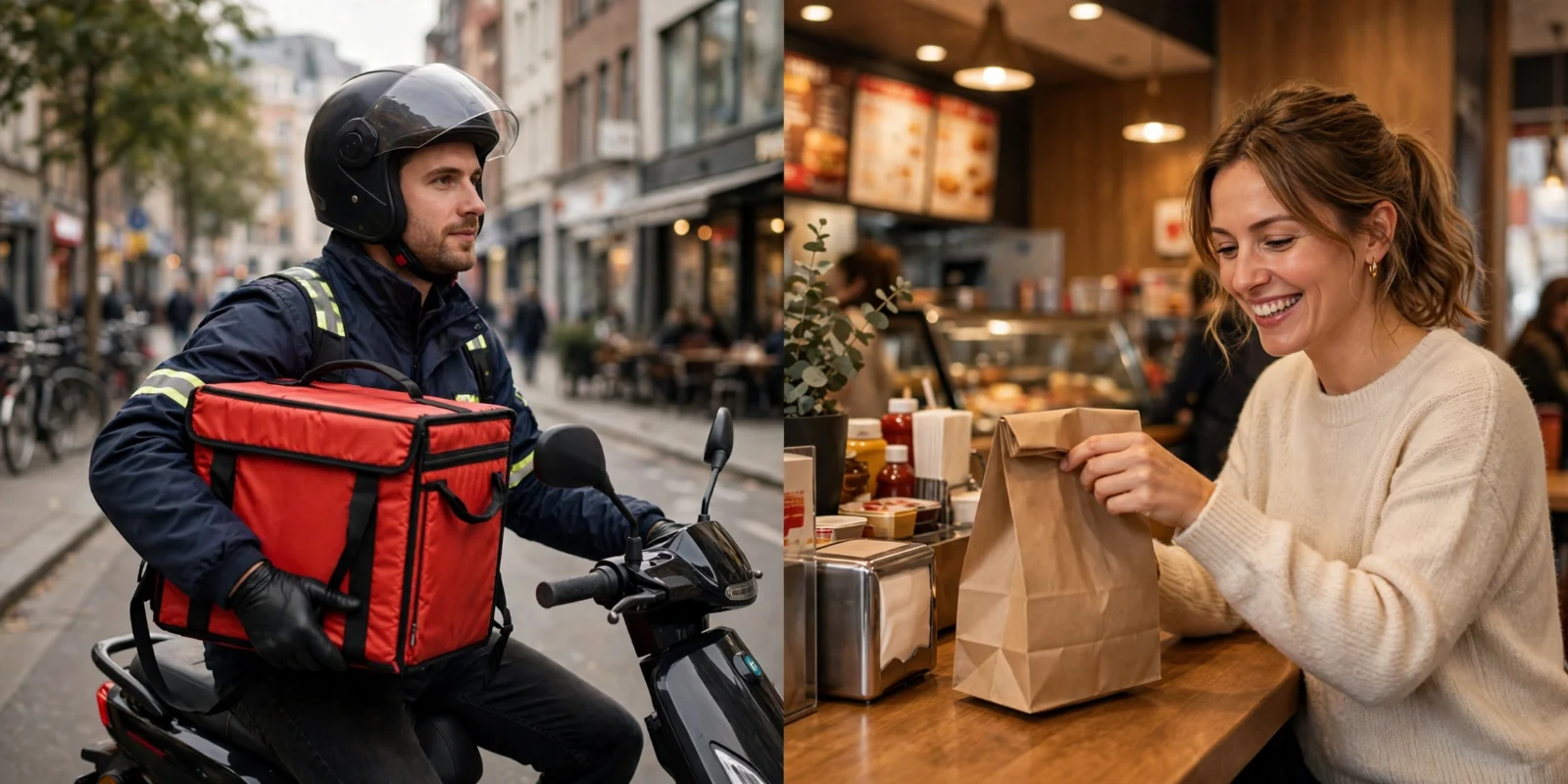
Delivery apps are the most convenient, but a typical order usually ends up costing 40% to 60% more once you add the app’s menu markup, service fee, delivery fee and tip. You also don’t earn Dave’s rewards points on third-party orders.
Ways to Order Dave’s Hot Chicken
You have five main options:
- In store or drive-thru. Walk in, order at the counter or kiosk, and scan the app to earn points.
- Dave’s Hot Chicken app (pickup). Order ahead, skip the line, and earn points automatically.
- Dave’s website (pickup). Same as the app, just in your browser.
- DoorDash. Available at most locations.
- Uber Eats (and Postmates). Also widely available, and the two share the same store listings.
- Grubhub. Available at some locations, depending on the city.
Not every store uses every app, so check your address on each one. Our Dave’s Hot Chicken locations guide can help you find the closest store first.
Price Comparison: Pickup vs Delivery Apps
Here is what the same order looks like at pickup versus a typical delivery app. Pickup prices come from our Dave’s Hot Chicken menu prices page. The delivery column uses average industry figures (around a 20% menu markup, about a 15% service fee, a mid-range delivery fee and a modest tip), so treat it as an estimate. Your city, the time of day and any membership you have will change the final number.
Order: Two Dave’s #1 combos (2 tenders with fries) + Mac & Cheese
| Cost | Pickup (App / In Store) | Delivery App (Estimate) |
|---|---|---|
| Food subtotal | $34.07 | ~$40.90 (with ~20% markup) |
| Service fee | $0 | ~$6.10 |
| Delivery fee | $0 | ~$3.00 |
| Tip | Optional | ~$5.00 |
| Approximate total (before tax) | $34.07 | ~$55.00 |
| Rewards points earned | 340 points | 0 |
That’s roughly $21 more for the same food. For a solo order like a single Dave’s #1, the gap is smaller in dollars but often bigger in percentage, because small orders can trigger minimum service fees or a small order fee.
Is the Dave’s App Cheaper?
For pickup, yes. The Dave’s Hot Chicken app charges the same prices you see in the store, with no added fees.
The real bonus is the Frequent Fryer rewards program. You earn 10 points for every $1 you spend, and the rewards stack up quickly:
- 300 points: free drink or side
- 600 points: free shake, cheese fries, slider or tender
- 1,200 points: free combo
So the $34 order above earns 340 points. That’s enough for a free side right away, and after about four orders like that you have a free combo. Dave’s clearly states that points can’t be earned or redeemed on DoorDash, Uber Eats or other third-party orders, which is easy to miss.
For more on current offers, see our Dave’s Hot Chicken deals page.
Delivery Fees and Hidden Costs
The delivery fee is the part everyone notices, but it’s usually not the biggest cost. Here’s what actually adds up on a delivery app:
- Menu markup. Many restaurants raise their prices on delivery apps to cover the commission those apps charge them. Across fast food, that markup often lands around 20%, and it’s applied before any fees show up.
- Service fee. A percentage of your subtotal, often in the 15% range. It can go higher, and some apps now adjust it based on distance and order size.
- Delivery fee. Anywhere from $0 (promos or memberships) to several dollars.
- Small order fee. Usually around $2 when your subtotal falls under the app’s minimum.
- Regulatory or local fees. Some cities add a flat per-order fee.
- Tip. Optional, but your driver is earning most of their pay from it.
A DashPass or Uber One membership removes the delivery fee and lowers the service fee on eligible orders. It does not remove the menu markup, so delivery still costs more than pickup even with a membership.
Does Dave’s Hot Chicken Travel Well?
Mostly, yes, but some items handle the ride better than others.
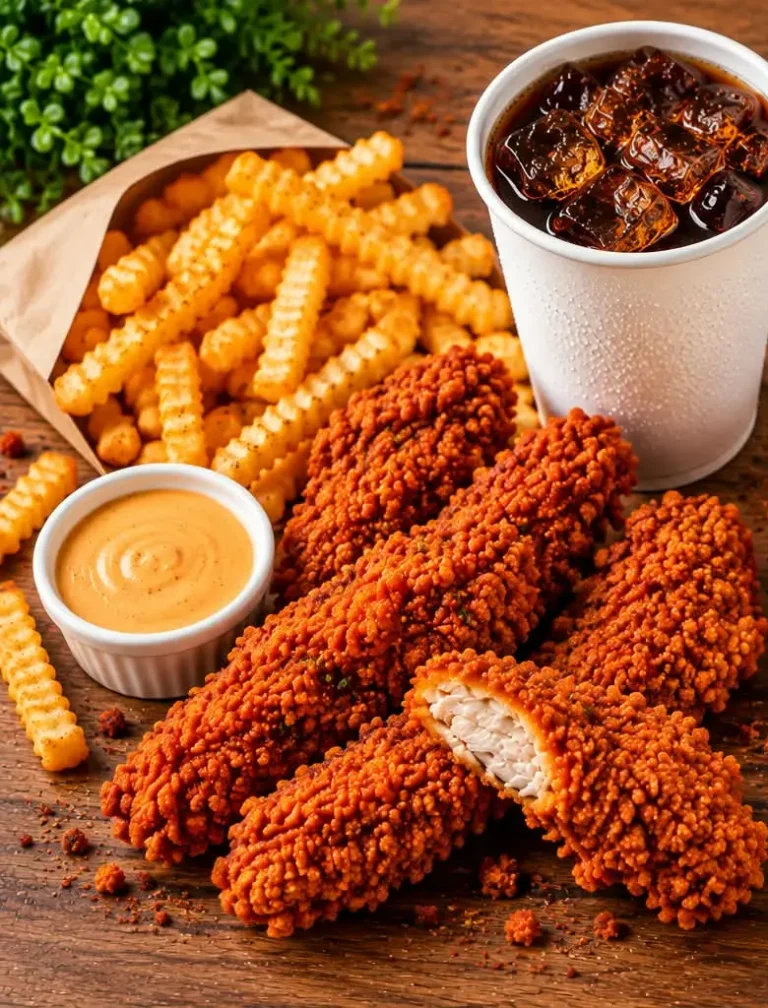
- Tenders travel best. The breading holds up and they reheat well.
- Sliders are fine for short trips, but the bun can soak up steam on longer ones.
- Fries are the weak spot. They lose their crunch within 15 to 20 minutes in a closed bag.
- Mac & Cheese and kale slaw hold up great.
- Bites stay crispy longer than fries, which makes them a good delivery pick.
If you live more than 15 minutes from the store, lean toward tenders and bites, and swap fries for mac & cheese. Not sure what the difference is? Read our tenders vs sliders vs bites breakdown.
Quick fix for soggy fries: 3 to 4 minutes in an air fryer at 400°F brings them right back.
How to Save Money on Dave’s Delivery
If delivery is the only option tonight, these tips help:
- Compare the apps. The same store can have different prices and fees on DoorDash and Uber Eats. Check both before you order.
- Order in one bigger basket. Fees hit smaller orders harder. One group order beats three separate ones.
- Skip extra drinks. Canned or bottled drinks carry the same markup as the food. Grab them at home.
- Look for app promos. First-order discounts and $0 delivery fee deals come up often.
- Use a membership only if you order a lot. DashPass and Uber One usually pay off at about three or more orders a month.
- Consider pickup on the way home. A 10-minute detour can save you $15 to $20 and earn you points.
Want budget combos too? Check out our guide to Dave’s Hot Chicken orders under $10 and $15.
Catering and Large Group Orders
Feeding a group? Ordering 8 combos on a delivery app gets expensive fast, since the markup and percentage fees grow with the order.
For groups, look at Dave’s catering packages and Hot Boxes instead. They’re built for bigger orders and usually give you better value per person. See our Dave’s Hot Chicken catering guide for the packages and how to order.
Frequently Asked Questions
Does Dave’s Hot Chicken deliver?
Dave’s Hot Chicken is available for delivery through third-party apps like DoorDash, Uber Eats, Postmates and Grubhub at most locations. The Dave’s app is mainly for pickup orders.
Is Dave’s Hot Chicken more expensive on DoorDash?
Usually, yes. Menu prices on delivery apps are often higher than in store, and you also pay service fees, delivery fees and a tip on top.
Can I earn Frequent Fryer points on Uber Eats or DoorDash orders?
No. Dave’s rewards points can only be earned and redeemed on orders placed directly with Dave’s, in store or through the app and website.
What’s the cheapest way to order Dave’s Hot Chicken?
Order ahead for pickup in the Dave’s app. You pay regular menu prices, skip every fee, and earn 10 points per dollar.
Which Dave’s menu items are best for delivery?
Tenders and bites travel best. Mac & cheese and kale slaw also hold up well. Fries lose their crunch the fastest.
Final Thoughts
Delivery makes sense when you can’t get out, but it’s worth knowing what you’re paying for. On a typical family order, that convenience can easily cost $15 to $20 more, and you give up your rewards points too.
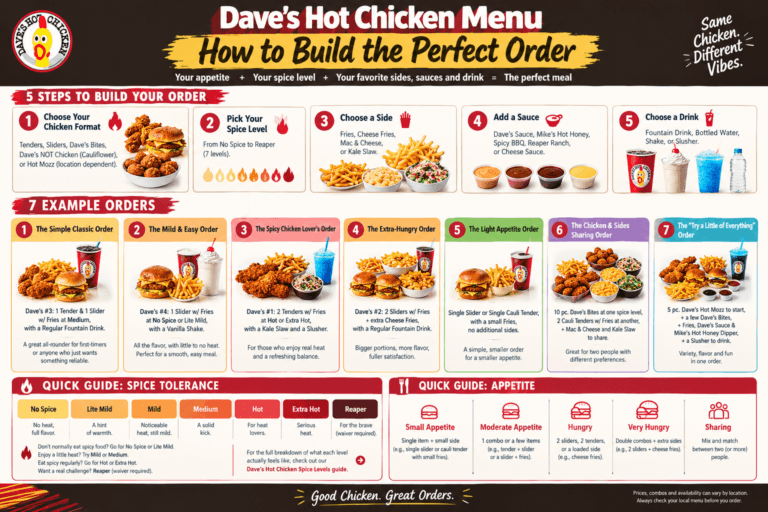
If you can swing a pickup, use the app. If not, compare DoorDash and Uber Eats, order in one basket, and choose tenders over fries. Still deciding what to get? Start with our how to order Dave’s Hot Chicken guide.
Prices and fees vary by location and change often. Always check the final total in your app before you place your order.