Dave’s Hot Chicken Customer Service: How to Fix a Wrong Order, Get a Refund or File a Complaint
Most Dave’s orders come out right, but when they don’t it’s frustrating: a Medium that tastes like Reaper, a missing slider, cold fries, or a delivery bag that clearly belongs to someone else. The trick is knowing who to contact, because Dave’s Hot Chicken customer service works differently depending on how you ordered.
Here’s the fastest route for each situation and what to include so your complaint actually gets handled.
This is an independent guide and is not affiliated with Dave’s Hot Chicken. We don’t list store phone numbers. Use the official Dave’s channels or your delivery app.
First, Know Who You’re Dealing With
Most Dave’s restaurants are owned by franchise groups. That means the people who can actually fix your order, refund you or talk to staff are usually the local store’s managers, not a central call center. The brand does run feedback channels that pass your complaint to the right store, but the store is where the fix happens.
Quick Guide: Who to Contact
| Problem | Best place to go |
|---|---|
| Wrong or missing item, still at the store | Tell the staff at the counter right away |
| Problem noticed after you left (dine-in, pickup or kiosk order) | Dave’s official feedback form |
| DoorDash, Uber Eats or Grubhub order | The delivery app’s help section |
| Order placed on the Dave’s app or website | The help or feedback link for that order, or the feedback form |
| Rude service or a bad visit | Dave’s official feedback form |
| Gift card balance or problems | See our gift card guide |
| Allergic reaction or suspected food poisoning | A doctor first, then the store and your local health department |
1. Fix It Before You Leave
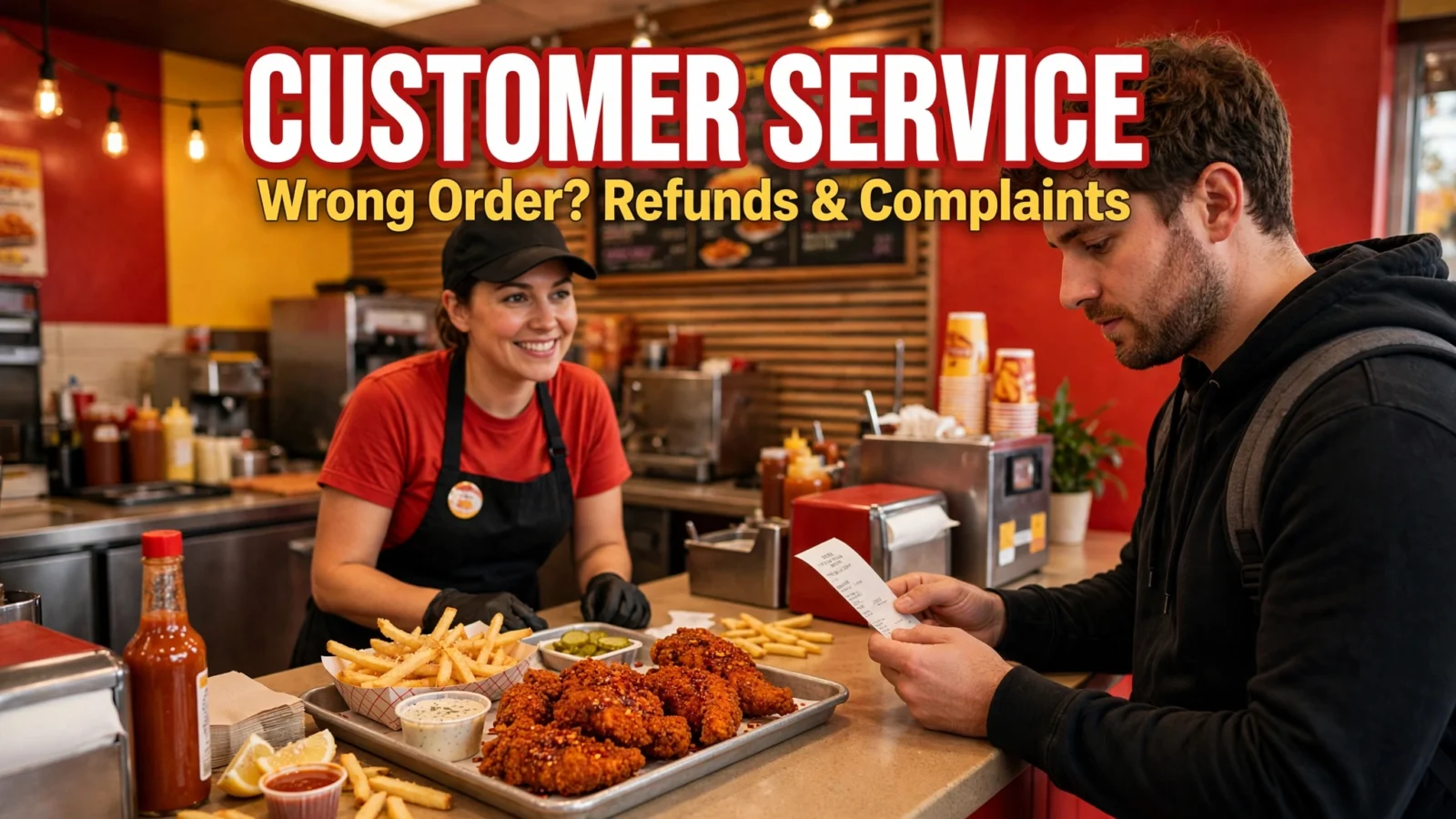
This is the easiest fix by far. Open the bag before you walk out. Check that the number of tenders and sliders is right, the sides are there, and the sauce cups are in. If something’s off, show your receipt to the counter. Stores can usually fix a missing item or a wrong spice level on the spot, and much faster than any form or email.
2. Use Dave’s Official Feedback Channels
When you’re already home, the official route is the brand’s feedback form. When Dave’s replies to unhappy reviews online, it points customers to dhcfeedback.com or tellusdirect.com/dhc. Both send your feedback to the company so it can reach the right restaurant.
To get a useful answer, include:
- The store’s city and street address
- Date and rough time of your visit
- Order number from your receipt or app
- Exactly what went wrong, in a few clear sentences
- What you’d like: a refund, a replacement or just to let them know
- A photo, if it helps show the problem
Keep it calm and specific. “My order #1234 at the Main Street store on Oct 20 was missing one tender and I paid for two” gets fixed faster than a long, angry message.
3. Delivery App Orders
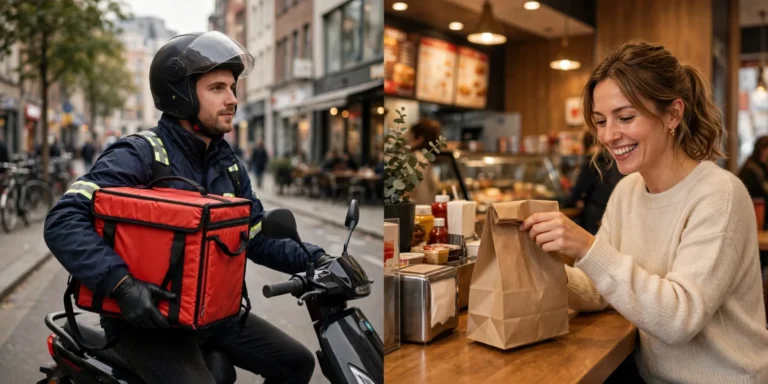
If you ordered through DoorDash, Uber Eats or Grubhub, go to that app first, not the restaurant. The app took your payment, so it handles refunds and credits for missing or wrong items. Open the order, choose the help option and report the problem with a photo. Do it soon after delivery, since apps often limit how long you have to report an issue.
If the problem was how the food was made, like the wrong spice level, you can also send feedback to Dave’s so the store knows. Our delivery vs pickup guide has a few tips for avoiding mix-ups in the first place.
4. App and Online Orders
For orders placed on the Dave’s app or website, start with the receipt email or the order in your account history, since that’s where your order number lives. Use the help or feedback option there, or the feedback form above, and mention that it was an app order. If you used rewards, say so too, so the store can check whether points should be added back.
About Refunds
There’s no single published refund policy for every store. Because most locations are franchised, each owner decides how to handle it. In practice:
- In the store, managers can usually replace an item or refund it right away.
- After you leave, a replacement or a credit for next time is common. A full refund may take more back and forth.
- Some stores may ask you to bring back the wrong item before they refund it, so don’t throw it away until you’ve asked.
- For delivery orders, the refund comes from the delivery app.
Health and Allergy Concerns
If you have an allergic reaction or think you got sick from your food, get medical care first. After that, contact the store and your local health department, which tracks food safety complaints. Dave’s isn’t allergen-free, and items share fryers and prep space, so check our allergens guide before ordering if you have an allergy.
Avoid Problems Next Time
- Double-check your spice level on the screen before you pay. A lot of complaints come down to a tapped wrong button.
- Order pickup instead of delivery when you can. Fewer hands, fewer mix-ups.
- Check the bag every time, even when you’re in a hurry.
- Not sure what to order? Our how to order guide walks through it.
Frequently Asked Questions
Does Dave’s Hot Chicken have a customer service number?
The brand mainly points customers to its online feedback form instead of a national phone line. For a quick fix, talk to your local store directly.
How long does Dave’s take to reply to feedback?
It varies by store. If you haven’t heard anything in about a week, it’s fine to follow up through the same form and include your first message.
Can I get a refund for the wrong spice level?
If the store made it wrong, most will remake it or make it right, especially if you speak up at the counter. If you picked the wrong level yourself, a refund is less likely, though it doesn’t hurt to ask nicely.
Who handles complaints about a Dave’s in another country?
Stores outside the U.S. are run by regional partners with their own customer service. Use that country’s Dave’s website or app.
Bottom Line
The best Dave’s Hot Chicken customer service is usually the counter, so check your order before you leave. After that, use Dave’s official feedback form for store orders, your delivery app for delivery orders, and always include your order number, store location and a photo. Clear, polite details get things fixed fastest.